Skip to content
Geecon Global
Book a consultation (opens in a new tab)
Menu

Free Contentful appv0.1.1What's new

Form Builder

Build forms in Contentful, with validation, conditions and translations, and link them to any page.

entry per form, however many fields
1
field types with their own error texts
14
built-in templates to start from
7
with a TypeScript type and JSON Schema
JSON

How it works

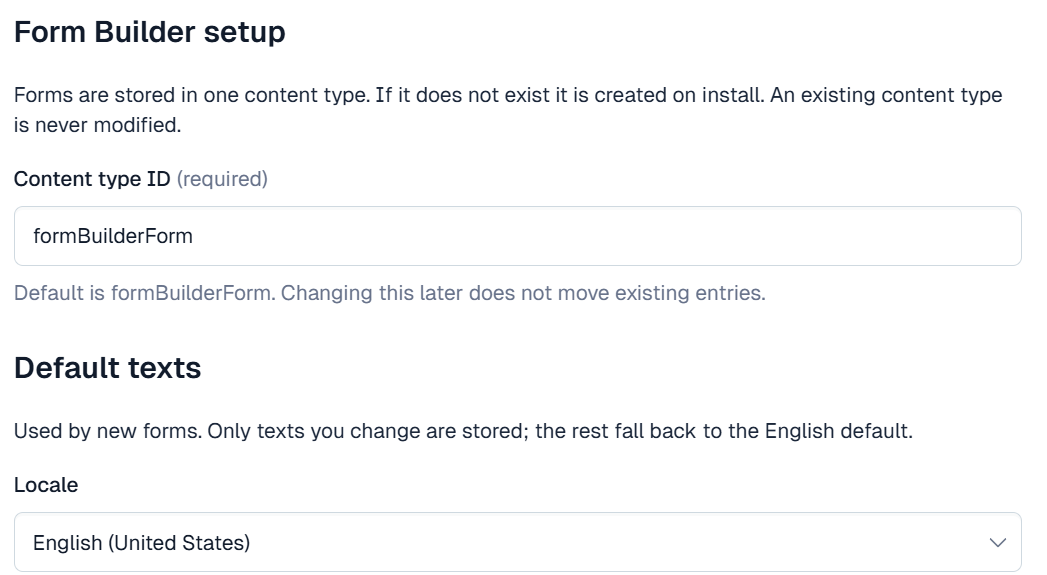
The Form Builder setup screen: content type ID formBuilderForm, and the Default texts section with its locale picker.

Features

Editors build, translate and change forms in Contentful. Your developers render them once.

  • A builder inside Contentful

    Add fields, split a form into pages and drag items into order, with a live preview. Each form is one entry.

    • Pages
    • Drag to reorder
    • Live preview
    • One entry per form
  • Reusable blocks and templates

    Share a group of fields across forms, or start from one of seven built-in templates or your own.

    • Shared blocks
    • Seven built-in templates
    • Your own templates
  • Fourteen field types

    Text, email, phone, number, date, choices, consent and more, each with its own validation rules and error messages.

    • Short text
    • Long text
    • Email
    • Phone
    • Number
    • Web address
    • Date
    • Time
    • Dropdown
    • Radio buttons
    • Checkboxes
    • Yes/No
    • Consent
    • Hidden

Built for

  • Contact and enquiry forms

    Name, email and a message, with validation and your own error texts.

  • Sign-ups and registrations

    Newsletters, events and volunteer applications, over one or several pages.

  • Surveys and feedback

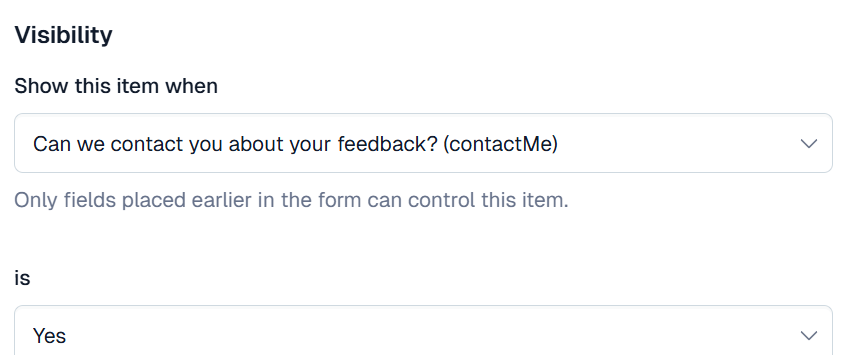
    A rating, comments and a follow-up that appears only when someone asks for one.

  • Gated downloads

    A short form that your site shows before it gives the file.

A good fit

  • Contact, enquiry and request forms
  • Sign-ups, event registrations and applications
  • Surveys and feedback with a few questions
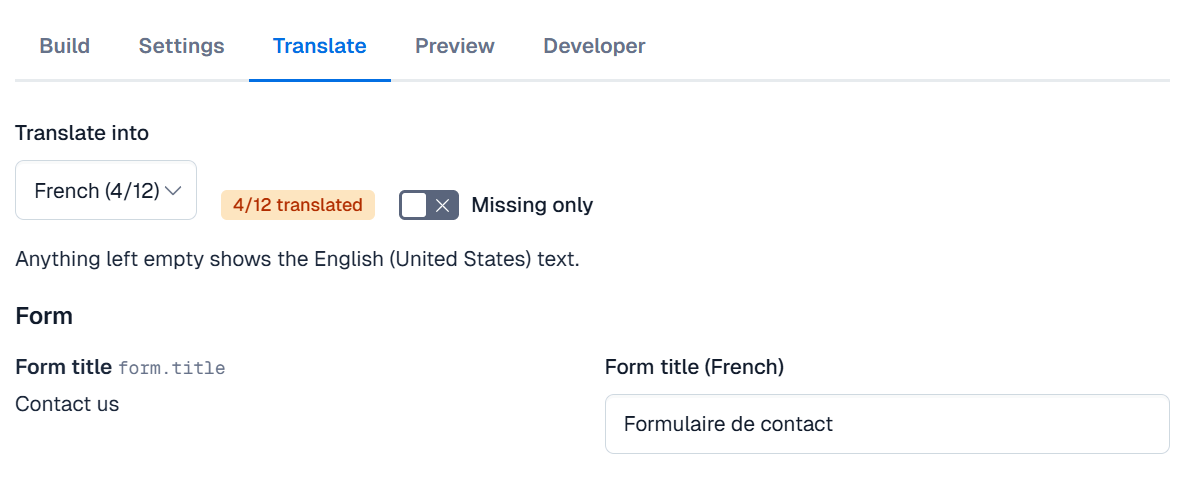
  • Forms in several languages, kept in Contentful
  • Forms that open and close on a date

Not a good fit

  • Collecting, storing or reporting on submissions inside Contentful
  • Payment forms and checkouts
  • Forms that need file uploads
  • Rules that combine several answers
  • Layout and styling controlled in the app
When to use Form Builder, with examples

For developers

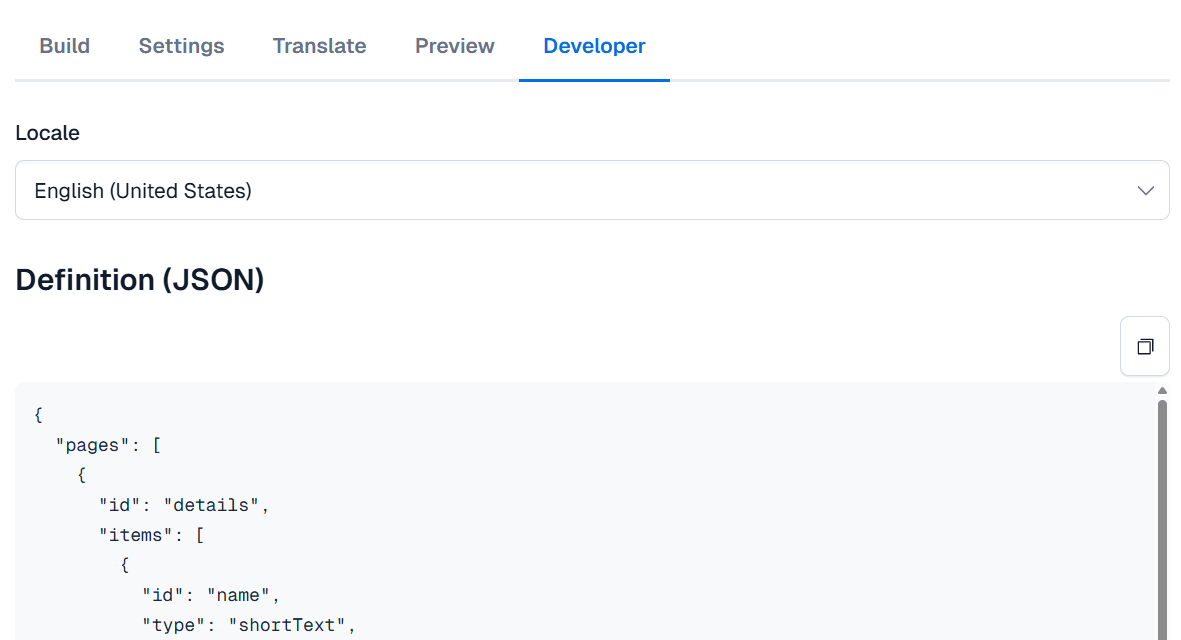
Form Builder stores its data as documented JSON in ordinary Contentful entries. A sample Next.js project shows how to fetch and render it; this excerpt is from that project.

Read the developer docs
Content type: FormformBuilderForm
titleShort text
The editor-facing name
kindShort text
form, block or template
definitionJSON object
Pages, fields and rules
textsJSON object, translated
Every visitor-facing text, per locale
linkedEntriesEntry links
Blocks and the after-submit entry, kept by the app
examples/form-builder-next/src/lib/form-builder/zod.ts (trimmed)
export function toZodSchema(form: ResolvedForm, values: Record<string, unknown> = {}, now: Date = new Date()) {
  const items = form.definition.pages.flatMap((p) => p.items);
  const fields = items.filter((i): i is FormField => !isLayout(i));
  const shape = Object.fromEntries(fields.map((f) => [f.id, z.unknown().optional()]));
  return z.object(shape).superRefine((answers, ctx) => {
    for (const field of fields) {
      if (!isVisible(field, values, items)) continue;
      const fail = failure(field, answers[field.id], now);
      if (fail) {
        ctx.addIssue({
          code: "custom",
          path: [field.id],
          message: message(form.texts, field.id, fail.rule, fail.limit),
        });
      }
    }
  });
}

Questions

Something else? Book a consultation (opens in a new tab) and ask us.

What is Form Builder?

Form Builder is a Contentful app by Geecon Global. Editors use it to build multi-page forms in Contentful, with validation, conditional fields and translations, and your website reads each form as JSON.

How is Form Builder different from the Typeform or Marketo apps?

Those apps let editors pick a form that lives in the other platform, which also keeps the submissions. With Form Builder the form itself is built and translated in Contentful, your website renders it, and answers go to your own backend. The Forms in Contentful guide compares the options.

Does Form Builder collect submissions?

No. It stores the form, not the answers. Your website sends what visitors submit to its own backend, CRM or email service.

How many entries does a form create?

One, however many fields or pages it has. Blocks and templates are entries of the same content type.

How do translations work?

Every visitor-facing text is stored per Contentful locale. A locale with only some texts translated falls back to the default locale for the rest.

Can I style the form in the app?

No. The app stores structure and words, not colours, spacing or layout. Your website styles the form.

What happens when an editor renames a field?

Only its label changes. A field's ID locks after the first publish, so the keys in your data stay the same.

Documentation

Latest release

v0.1.126 Nov 2026

Read the release notes

More Contentful apps

  • Contentful app v0.9.1

    Schema Builder

    Define form schemas in Contentful and give editors a validated form, without new content types.
    • Schemas without new content types
    • Validation as editors type
    • Thirteen field types

    DocsRelease notes

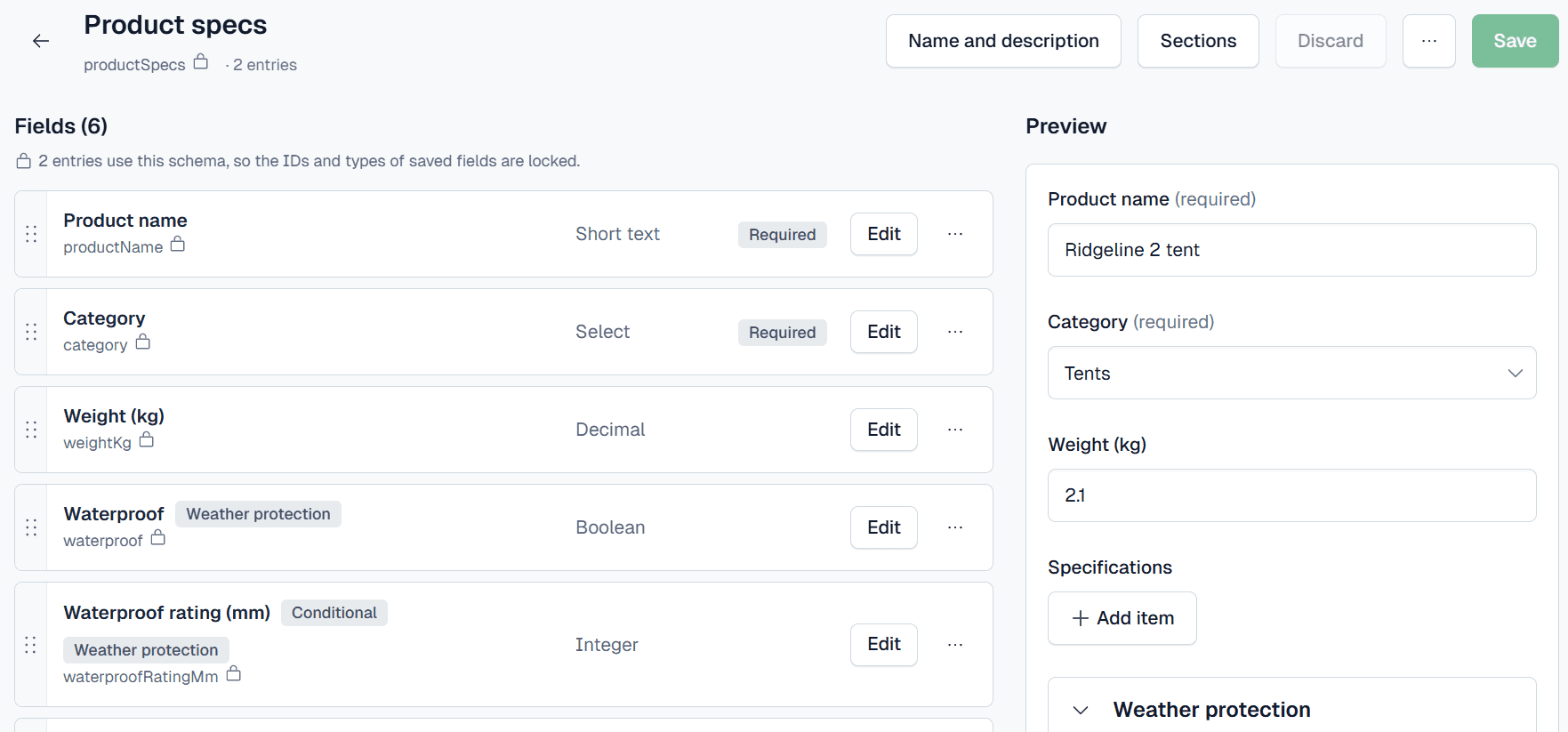
    The schema editor for Product specs: six fields with their types and lock icons on the left, and a live preview filled in for the Ridgeline 2 tent on the right.
  • Contentful app v0.2.3

    Document Manager

    Keep downloadable files in libraries and folders, and manage the whole tree from one screen in Contentful.
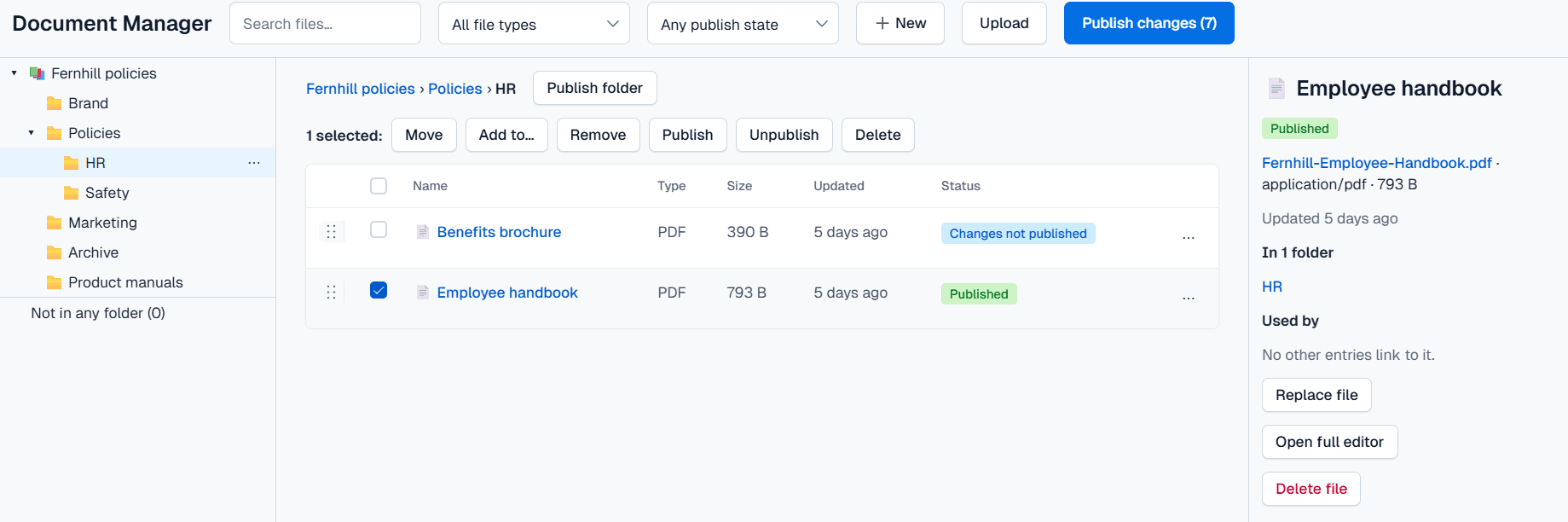
    • One screen for the whole tree
    • Bulk upload
    • Publish changes together

    DocsRelease notes

    Document Manager with the Fernhill policies library open: the folder tree on the left, the HR folder's two PDFs in the middle, and details for the selected Employee handbook on the right.

[ Next step ]

Planning a Contentful Project?

Speak with Geecon Global about your Contentful implementation, migration, integration or support requirements.