
From install to a form on your website, with every setting left at its default.
Install#
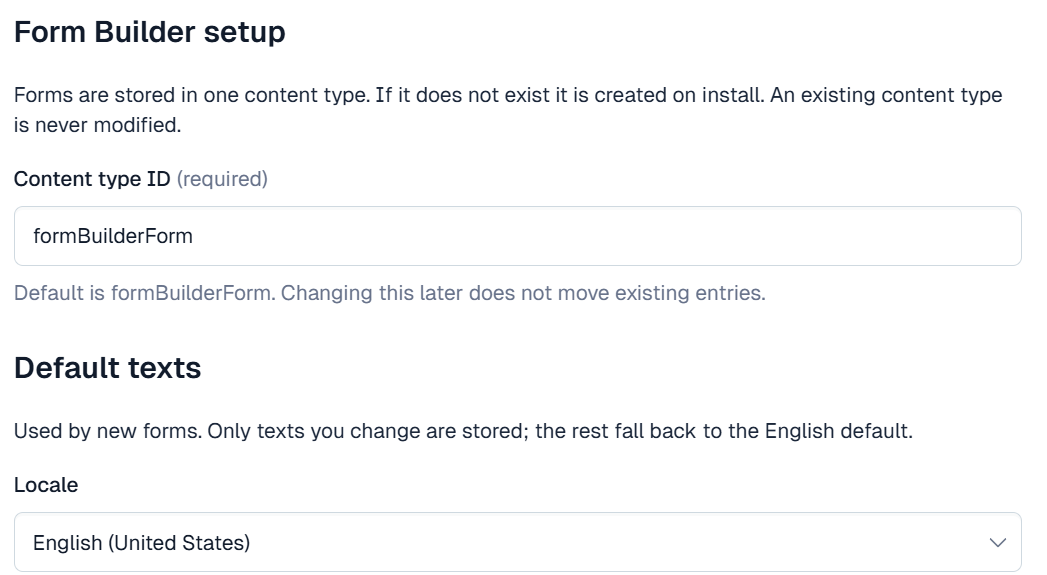
In your space, open Apps, install Form Builder and save the setup screen as it is. It creates the Form content type (formBuilderForm) for you. If you already have a content type with that ID, see Settings.
Create and publish a form#
- Open Apps → Form Builder and choose New form.
- Pick a template, or start from a blank form, and add fields in the Build tab.
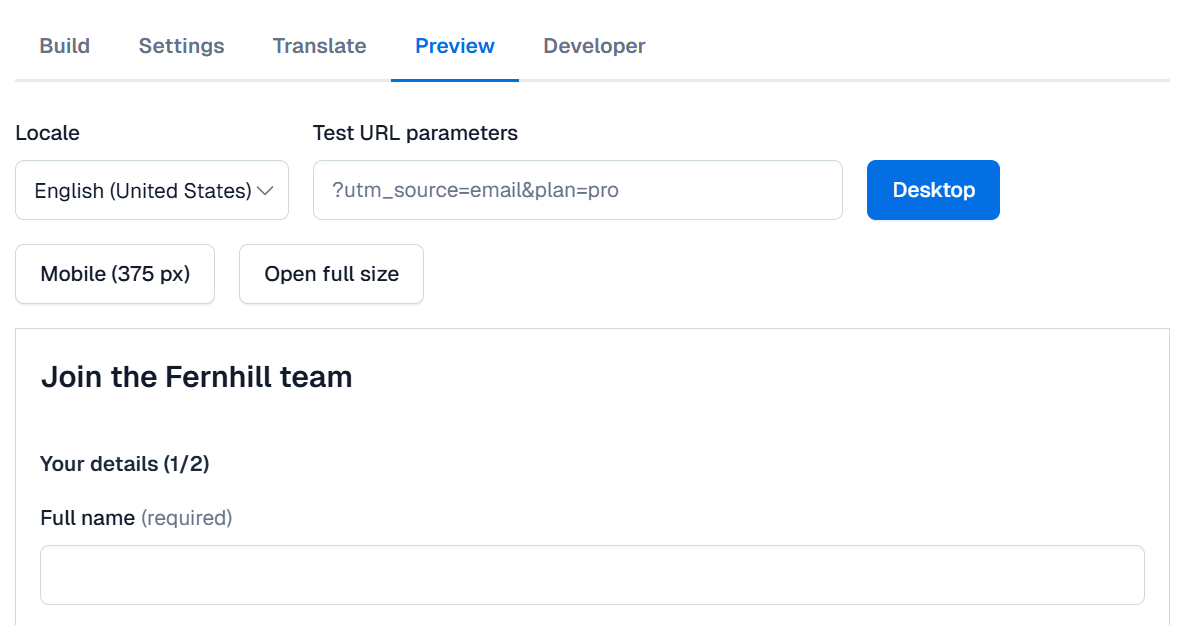
- Check the form in the Preview tab.
- Click Check & publish in the sidebar.
Link it from a page#
This is the one setting you add yourself. Give the content type that shows forms, such as a landing page, a Reference field that links to one entry and accepts only the Form content type. Editors then pick a form there, and the page appears under Used on in the form's sidebar.
Read it from your website#
One Delivery API call returns the form with its blocks, in every locale. Pass the result to resolveForm from the sample project to get a form your UI can render.
import { createClient } from "contentful";

const client = createClient({ space: "<space ID>", accessToken: "<delivery token>" });

const { items, includes } = await client.withAllLocales.withoutLinkResolution.getEntries({
  content_type: "formBuilderForm",
  "sys.id": formId, // from the page's reference field
  include: 2,
});Next#
- Building forms, Conditional fields and Translations for editors
- Settings for status, schedules and the optional app settings
- Reading forms for the full website code, with a sample project